
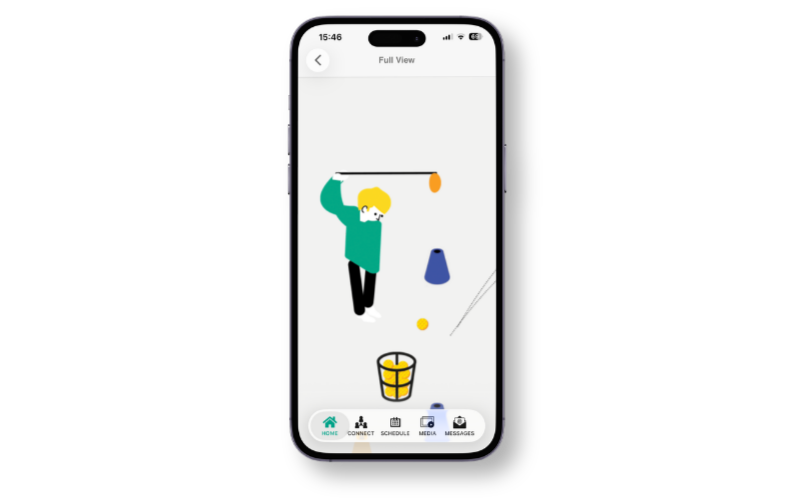
Coach and student users can now pinch and zoom into challenge image graphics within the GLF Connect app. This makes it easier to view the finer details of a challenge image directly on your device, without needing to refer to any external materials.
Previously, challenge images were static and could not be enlarged within the app. Tapping on a challenge image graphic will now open a Full View of the image, where you can use a standard pinch gesture to zoom in and out and explore the image in greater detail:
How to use pinch and zoom
- Open the GLF Connect app and navigate to your MyGame+ programme.
- Locate and tap the challenge image graphic you wish to view.
- The image will open in Full View.
- Use two fingers to pinch outward to zoom in, or pinch inward to zoom back out.