
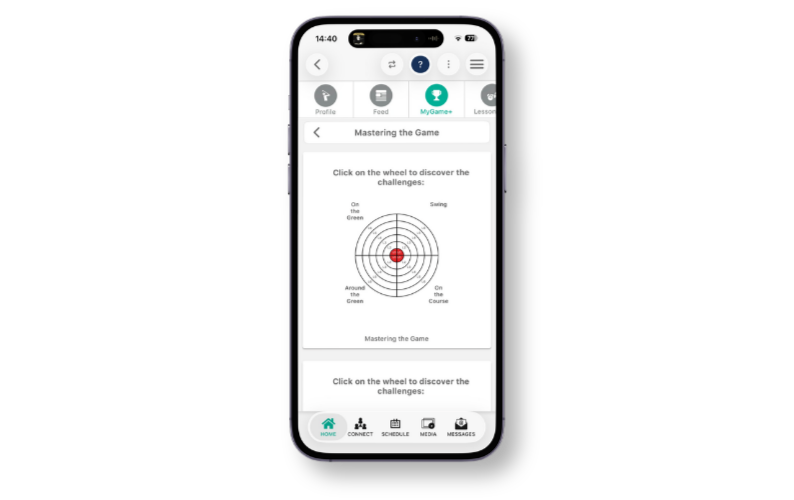
The progress wheels within the MyGame+ programs on the mobile app have been updated to display level numbers directly on the wheel, making it easier to see at a glance how many levels exist within a programme and which levels have been completed.
What's new
- Level numbers displayed on the wheel – Each level within a progress wheel now shows its level number directly on the wheel itself, displayed as L1, L2, L3, and so on. This applies to all progress wheels added to a MyGame+ programme.
- Applies to both coach and student users – The level number labels are visible to all users accessing the progress wheel on the mobile app.
How to use
- Open the GLF.Connect app and navigate to the relevant MyGame+ programme.
- The progress wheel will display with level numbers shown on each level of the wheel.
- Use the level numbers to quickly identify how far through the programme a student has progressed.